


That depends entirely on what type of social proof you want to add. The term “social proof plugin” covers everything from live purchase notification popups to static star rating widgets to testimonial managers — and the best free option for each is a different plugin.
This article breaks down the free options by what they actually do, so you can choose the right one for your site rather than installing something that does the wrong thing well.
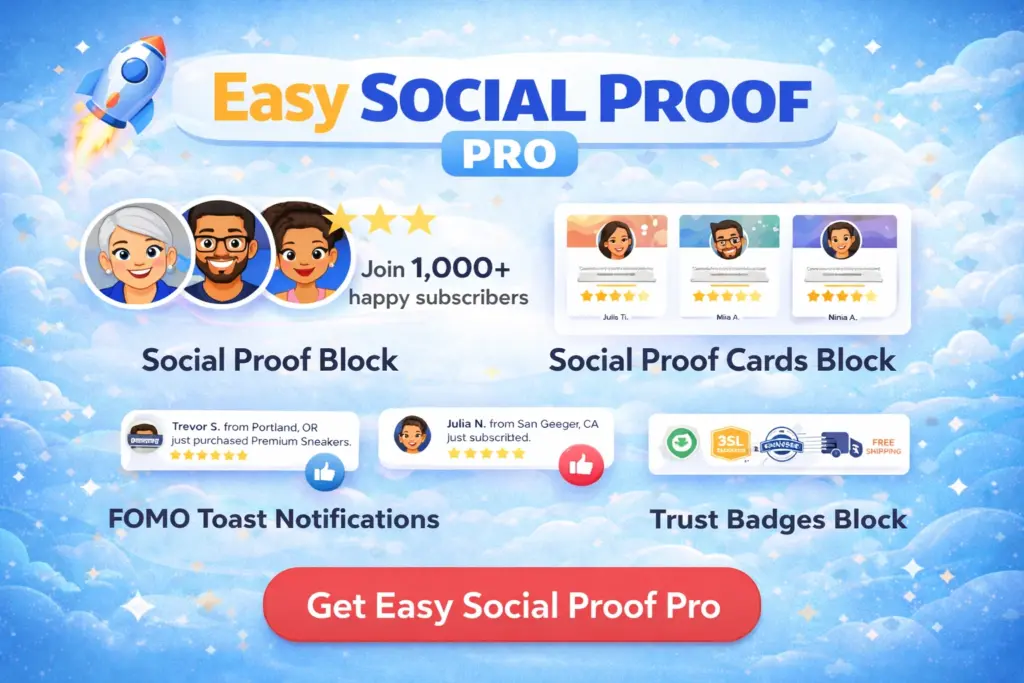
Get our FREE compact Easy Socialal Proof Lite WordPress plugin designed using the latest research
The Two Types of Social Proof Plugin
Before comparing specific plugins, understand the fundamental split in this category.
Notification popup plugins track activity on your site and display animated popups: “Sarah from Manchester just purchased the Pro plan — 3 minutes ago.” They are designed to create urgency and FOMO (fear of missing out). The main free options are NotificationX and TrustPulse (limited free tier).
Static trust widget plugins provide always-visible elements: star ratings, avatar stacks, trust badges, customer counts, and testimonial displays. These sit permanently on your page and do not depend on real-time site activity. Options in this space include Easy Social Proof, Strong Testimonials, and general-purpose page builder widgets.
Many site owners search for a “social proof plugin” wanting static trust elements but install a notification popup plugin because that is what dominates the search results. They end up with FOMO popups on a site with 30 visitors a day, which looks fake and actively damages trust.
If you get fewer than a few hundred visitors daily, static trust widgets are almost certainly what you need. Notification popups require genuine traffic volume to look credible.
Best Free Options by Category
For FOMO Notification Popups
NotificationX is the most feature-complete free notification plugin. The free version includes WooCommerce sales notifications, WordPress download counts, review notifications, and email subscription alerts. It integrates with WooCommerce, Easy Digital Downloads, and several email marketing platforms.
The free version is genuinely usable — it is not a crippled demo designed to force an upgrade. You can display real purchase notifications, customise the appearance, and control placement without paying.
Limitations of the free version: No Google Analytics integration, no cross-domain notifications, and limited advanced styling options. The Pro version adds these plus Zapier integration and priority support.
Who this is for: WooCommerce stores with consistent daily sales volume. If you make multiple sales per day, NotificationX can display genuine recent purchases as social proof. If you make a few sales per week, the notifications will be infrequent and unconvincing.
For Testimonials
Strong Testimonials is the best free testimonial plugin. It includes a testimonial submission form, multiple display templates (list, grid, slideshow), and shortcode placement. You can collect, manage, and display testimonials entirely within the free version.
It handles the full workflow: customers submit testimonials through a form, you review and approve them, and they display on your site in a layout you choose. This is more than most premium testimonial plugins offered five years ago.
Limitations of the free version: Fewer display templates, no video testimonial support, no import from external review platforms. The Pro version adds these plus advanced filtering and custom properties.
Who this is for: Any WordPress site that wants to collect and display customer testimonials. Particularly useful for service businesses, freelancers, and agencies where written endorsements are the primary form of social proof.
For Review Feeds From External Platforms
Smash Balloon Reviews Feed (free version) lets you pull reviews from Google and display them on your WordPress site. The free version supports Google reviews with basic customisation.
Limitations of the free version: Only Google reviews. The Pro version adds Trustpilot, TripAdvisor, WordPress.org, Facebook, and Yelp as sources.
Who this is for: Local businesses and eCommerce stores that already have Google reviews and want to display them on their WordPress site automatically.
For Star Ratings and Trust Widgets
This is where the free market is thinnest. Most social proof plugins either focus on notification popups or testimonials — few offer the compact trust widgets (star rating displays, avatar stacks, trust badges, customer counts) that are most effective for homepage and landing page social proof.
Easy Social Proof offers a free version with static trust widgets including star ratings, avatar stacks, and trust text — the compact elements designed to sit near your headline or call to action.
Page builder widgets are the other free option. Elementor’s free version includes a Star Rating widget and Testimonial widget. Kadence Blocks includes similar components. If you already use a page builder, you may be able to construct basic trust elements without an additional plugin.
Who this is for: Any WordPress site that wants compact, always-visible trust signals on the homepage, landing pages, or pricing pages.
For Trust Badges
Trust Badges (WordPress.org) is a free plugin offering pre-designed badges for security, payment methods, and guarantees, with shortcode placement and basic customisation.
Alternatively, trust badges can be added manually — upload badge images and insert them with Image blocks or a Custom HTML widget. A dedicated plugin is helpful if you display badges on many pages, but for a checkout page and footer, manual placement works fine.
What to Avoid in Free Plugins
Plugins that require an external account to function. Some “free” plugins are actually frontends for a paid cloud service. The WordPress plugin is free to install, but it does nothing without creating an account on the provider’s platform, where the free tier is limited to a trial period or minimal usage. Check whether the plugin works self-contained within WordPress.
Plugins with aggressive upselling. Every freemium plugin promotes its Pro version to some extent, but some display persistent admin notices, dashboard ads, and popup reminders that degrade the WordPress experience. Check the plugin’s one-star reviews — aggressive upselling is the most common complaint.
Plugins with fake social proof features. Some plugins encourage you to create fake purchase notifications — fabricated customer names, fake locations, manufactured urgency. A plugin that helps you display genuine social proof builds trust. A plugin that helps you fake it undermines the trust it claims to build.
Plugins that load heavy external scripts. Some social proof plugins load JavaScript from external servers on every page of your site, even pages where no social proof is displayed. This adds latency and creates a dependency on a third-party server. Check the plugin’s frontend footprint before committing to it.
The Honest Answer
There is no single “best” free social proof plugin because the category covers fundamentally different tools. The best plugin for you depends on what you need:
- Notification popups on a busy WooCommerce store → NotificationX
- Collecting and displaying testimonials → Strong Testimonials
- Showing Google reviews on your site → Smash Balloon Reviews Feed
- Compact trust widgets (star ratings, avatars, badges) → Easy Social Proof or page builder widgets
- Trust badge images → Trust Badges plugin or manual image placement
Most sites benefit from two of these — a compact trust widget on the homepage and testimonials on the pricing or product pages. You do not need five social proof plugins running simultaneously.
For detailed comparisons including premium options, see our Best Social Proof Plugins for WordPress (2026) — The Complete Guide.
For guidance on whether you need a plugin at all, read Do I Need a Social Proof Plugin?.