
SaaS businesses have a trust problem that most industries do not: you are asking people to pay for something they cannot touch, hold, or return. There is no physical product to inspect, no shop to walk into, no receipt to wave at customer service. The entire relationship is built on trust — and social proof is how you establish it before the first login.
This guide covers which types of social proof work for SaaS, where to place them across your marketing site, and common mistakes that SaaS founders make when trying to build credibility.
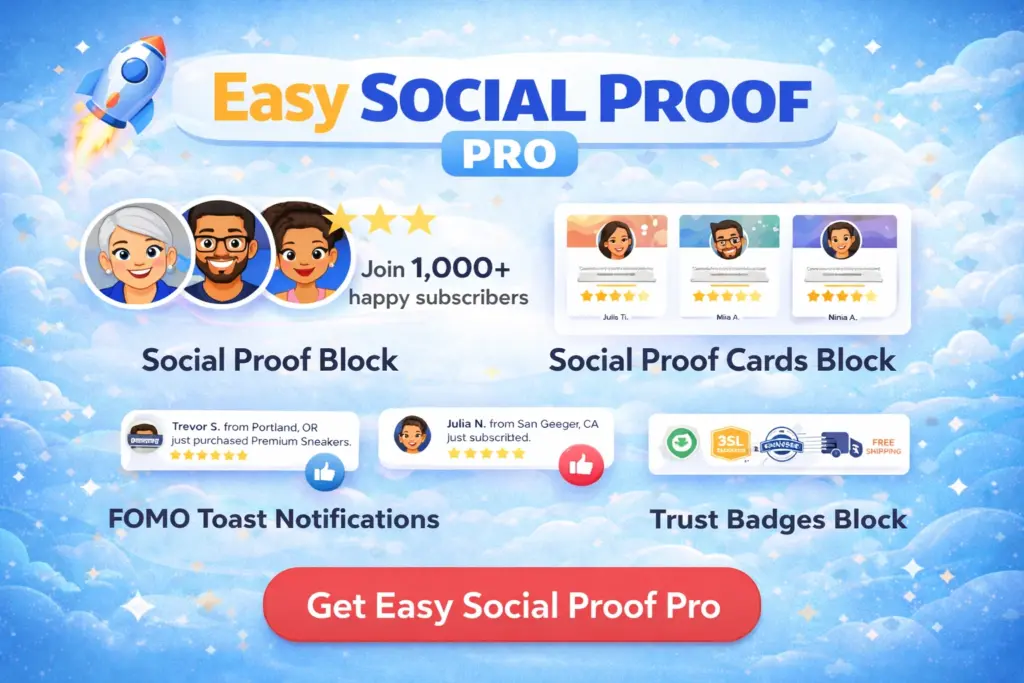
Get our FREE compact Easy Socialal Proof Lite WordPress plugin designed using the latest research
Why SaaS Needs Social Proof More Than Most
When someone considers buying a physical product, they can read the description, look at photos, check the dimensions, and return it if it is not right. When someone considers a SaaS subscription, they are committing to a recurring payment for something that exists entirely as a promise.
The questions SaaS visitors ask are different from eCommerce shoppers:
- “Will this actually solve my problem, or will I waste a month figuring it out?”
- “Is this company going to be around next year, or will they shut down with my data?”
- “Are the people using this like me, or is it built for a different audience?”
Social proof answers all three. Customer counts show the product is viable. Ratings show it works. Audience descriptors show it is built for people like them.
The Social Proof Elements That Work for SaaS
Trust Widget on the Homepage
The trust widget is the single most important social proof element for a SaaS marketing site. It belongs in the hero section — directly below your headline or next to your primary CTA.
What to display:
Your trust text should count what matters most. Options in order of impact:
- Active users or teams: “Trusted by 2,347 teams” — the strongest metric because it implies ongoing usage, not just signups.
- Companies: “Used by teams at 500+ companies” — works well for B2B SaaS where company logos would be the dream but you do not have permission to display them.
- Projects or actions completed: “50,000+ projects managed” — if your user count is modest, an activity metric can be more impressive.
Avoid counting free trial signups as “customers” or “users” unless they have actually used the product. Inflated numbers that do not match the product’s real traction will be noticed.
Star rating: Display your actual average from review platforms (G2, Capterra, Trustpilot). A 4.6 from real reviews is more credible than a 5.0 that looks manufactured. If you do not have formal review platform ratings yet, use a rating that honestly reflects customer feedback.
For trust text formulas, read How to Write Trust Text That Converts.
Review Cards on the Pricing Page
The pricing page is where SaaS conversions happen or die. Visitors have read your features, they understand the product, and now they are staring at monthly costs. This is exactly where individual customer voices tip the balance.
Place three to four review cards between the pricing table and the signup button. Choose reviews that:
- Mention specific outcomes: “Cut our onboarding time from 2 weeks to 3 days”
- Reference the pricing decision: “Pays for itself in the first month”
- Come from recognisable roles: “Head of Marketing at a 50-person startup” feels relatable to other heads of marketing at startups
Generic praise (“Great tool!”) wastes a card slot. Every review card on a pricing page should answer the question “Was this worth the money?”
For setup instructions, read How to Display Review Cards With Easy Social Proof Pro.
Trust Badges Near Signup Forms
SaaS signup forms collect email addresses and sometimes payment information. Trust badges placed near these forms reduce the anxiety that causes visitors to hesitate.
The most relevant badges for SaaS:
- SSL Encrypted / DATA PROTECTION — essential for any form that collects personal data
- Money Back / 30-DAY GUARANTEE — if you offer a refund policy, display it visually at the point of commitment
- Verified Seller / TRUSTED & APPROVED — useful for newer SaaS products that lack brand recognition
For badge setup, read How to Add Trust Badges With Easy Social Proof Pro.
Toast Popups for Active Products
If your SaaS has a steady stream of signups, toast popups showing “{name} just signed up” add a sense of momentum. They work well on the homepage and pricing page — pages where visitors are evaluating whether to join.
When popups work for SaaS: You have multiple signups per day and the activity is genuine. The popups reinforce what the trust widget already claims.
When to skip them: Your audience is enterprise buyers who might find popups unprofessional, or your signup volume is too low for popups to fire naturally.
For popup configuration, read How to Set Up Toast Popup Notifications With Easy Social Proof Pro.
SaaS Social Proof Placement Map
Homepage hero: Trust widget (avatar stack + “Trusted by X teams” + star rating) Features page: Trust widget repeated, reinforcing credibility alongside feature descriptions Pricing page: Review cards (3-4 specific testimonials) between pricing table and CTA. Trust badges below the signup button. Blog sidebar: Trust widget as a persistent element that builds familiarity with repeat visitors Free trial signup page: Trust badges (SSL + Money Back) next to the form. Trust widget above the form.
Common SaaS Social Proof Mistakes
Counting vanity metrics. “10,000 downloads” means nothing if most people downloaded, tried once, and left. Count active users, paying customers, or teams — metrics that represent real engagement.
Hiding social proof on a testimonials page. A dedicated testimonials page that no one visits is wasted social proof. Put your best quotes on the pages where decisions happen: homepage, pricing, and signup.
Using competitor logos without permission. Showing “Trusted by teams at Google, Stripe, and Shopify” when one person at each company signed up for a free trial is misleading and potentially legal trouble. Only display company logos with explicit permission.
Forgetting to update numbers. A trust widget that says “Trusted by 200+ users” six months after you passed 2,000 undermines trust rather than building it. Use automatic count sources or schedule regular updates.
Over-relying on FOMO for enterprise. Toast popups and urgency tactics work for consumer SaaS and SMB products. Enterprise buyers making six-figure purchasing decisions are not swayed by “{name} just signed up” — they want case studies, security certifications, and references. Know your audience.
Getting Started
If you are building a SaaS marketing site, start with the free trust widget on your homepage. That single element — an avatar stack with your real customer count and rating — does more for conversions than any amount of copy about your features.
Once that is in place, add review cards to your pricing page and trust badges near your signup forms. These three elements cover the core trust gaps that cause SaaS visitors to leave without converting.
For step-by-step setup, start with the Getting Started guide.
How to Add Star Ratings to Your WordPress Homepage
How to Add Customer Avatars to Your Website